Lesson Modules
Teaching Tips:
PROCEDURE
Caution: NEVER wire anything to the Dobot Magician or the Magic Box while it has power on. ALWAYS turn it off before making connections or damage to the robot could occur. Be sure to ask your instructor if you have any questions.
1. Design Your Work Cell
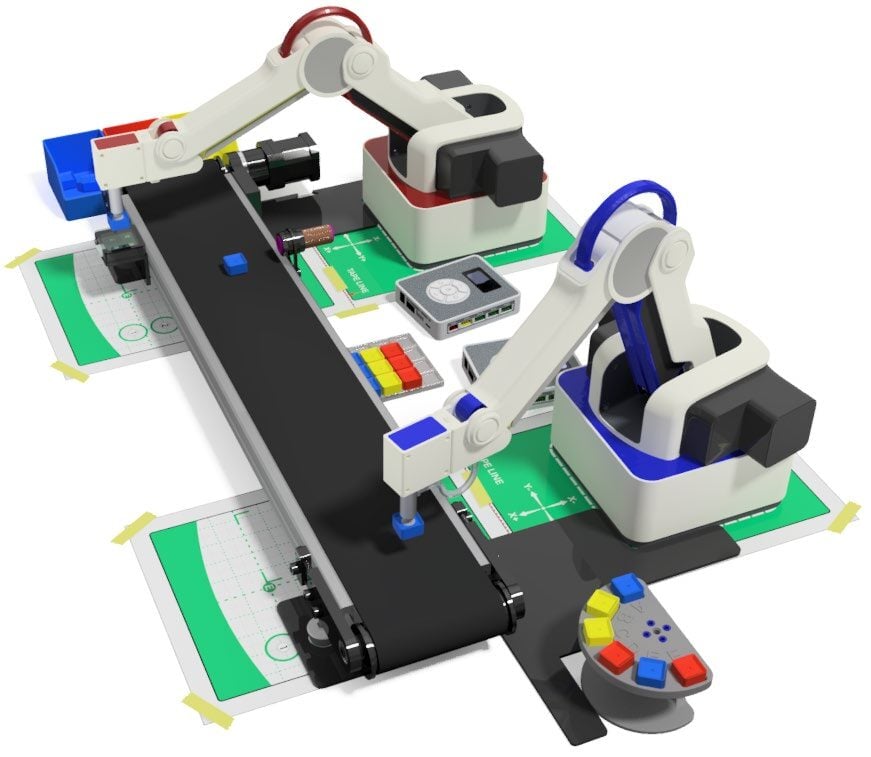
You and your team will design, organize, create, program, and test a full work cell. Your instructor will have you pick from the list below the items that must be included in your work cell.
Dobot Magician - # of __________
Magic Boxes - # of _________
Dobot Conveyor System
Student Designed Feeder System
Dobot IR Sensor
Student Designed Machine - # of ________
Dobot Color Sensor
Student Designed Storage System
Handshakes - # of __________
_____________________________
_____________________________
2. Note Instructor Parameters
Be sure to note any additional parameters that are given to you by your instructor (due date, size or storage requirements, and additional items from home). Take notes in the space below.
3. Build & Program
In the time allotted for this project design a workcell that includes the following:
- Accurate Robot PICK AND PLACE routines.
- JUMPS where appropriate.
- Proper usage of FUNCTIONS and VARIABLES.
- A PALLETIZE or STACKING routine.
4. Document Your Work
Create a video of your workcell.
Be sure to consult the Dobot Input/Output Guide if you want to use other inputs and outputs, as damage to your robot or your other equipment may result.
Notes:
Teaching Tips:
CONCLUSION
- Make a flowchart/Process flowchart of your workcell as indicated by your instructor in the space below.
- What’s the pseudocode that you used for your microcontroller program? Copy and paste it here.
- What are the inputs you used in your work cell?
- What are the outputs you used in your work cell?
GOING BEYOND
- _________
- _________
- 1. Make your work cell communicate with someone else’s work cell in your class. When your process ends, theirs begins.
- 2. Continue number one above with as many cells in the class as you can. The same part moves through all of the cells, one by one, until a finished product is produced. See how many work cells you can integrate in the time allotted by your instructor.