Lesson Modules
Teaching Tips:
- Open with a thought question: “Can a robot recognize things it wasn’t programmed for? How?” Write this on the board.
- Encourage brainstorming. Accept all answers—even misconceptions (“It just knows” / “It memorized pictures”).
- Link back to Lesson 1’s demo where NAO recognized objects using Deep NAO. Highlight continuity: “Remember, NAO already had a model trained on 600 objects—that’s what we’ll unpack today.”
- Keep this intro brief (~5 minutes). The goal is curiosity, not deep explanation yet.
Imagine you show NAO a random object from your backpack. How could NAO possibly know what it is if we never programmed it to recognize that item? Today, we’ll explore how robots can “see” using pre-trained AI models.
Think back: in earlier lessons, we programmed NAO step-by-step, or trained it on one specific object. Now we’ll give NAO a kind of “AI brain” that already knows about many objects. This is called object detection—it means NAO can both identify what an object is and where it is by drawing a box around it.
Question to discuss: How do you think NAO could recognize objects it has never been explicitly programmed for?
Teaching Tips:
- Use analogies: Rule-based = following a recipe; Pre-trained = borrowing knowledge from an expert chef.
- Show an example image of YOLO output with bounding boxes.
- Clarify common misconceptions: Pre-trained doesn’t mean “knows everything”—only what it was trained on (e.g., 80 COCO objects, or 600 in Deep NAO).
- Remind students this is how self-driving cars see pedestrians and signs.
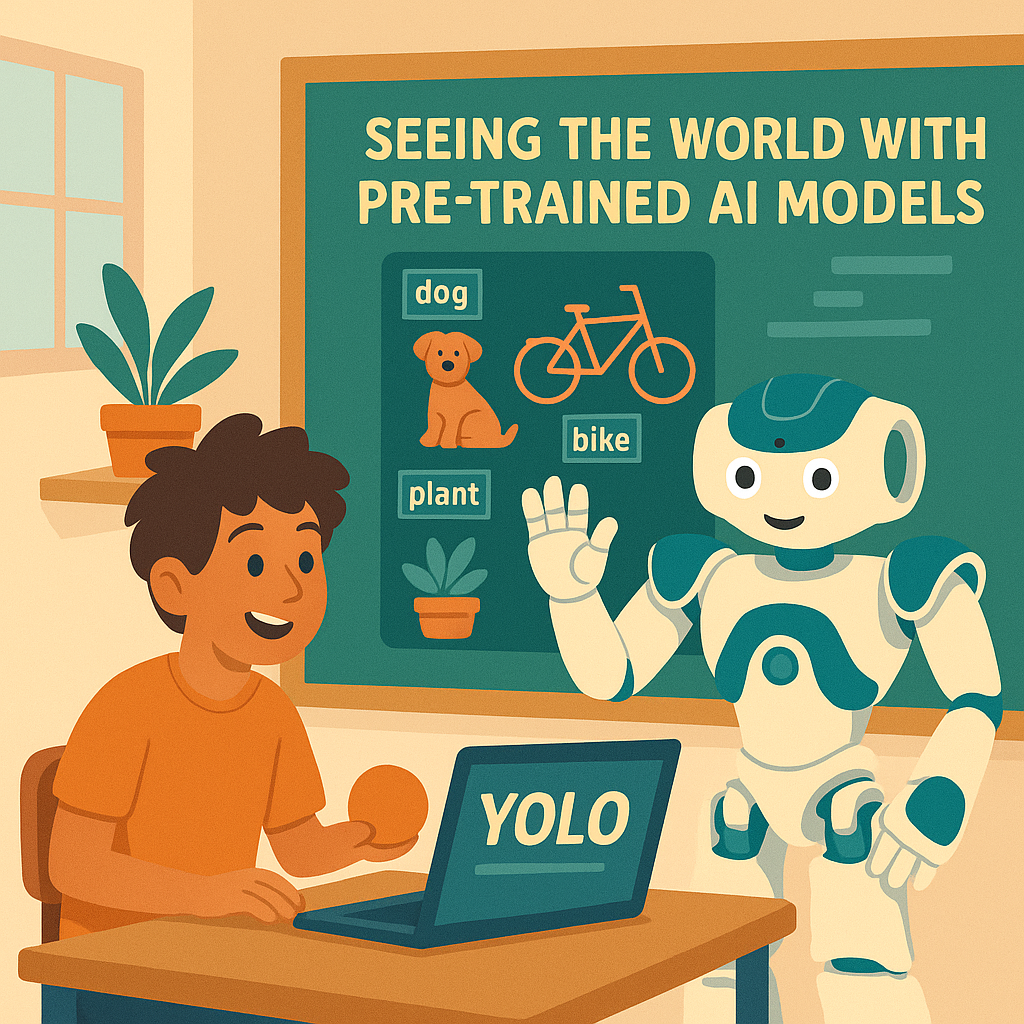
A pre-trained model is an AI system already trained on huge amounts of data by experts. Instead of starting from scratch, we can use it right away. For example, the YOLO model (short for “You Only Look Once”) has learned to recognize everyday objects by looking at millions of pictures.
Object Recognition vs Object Detection:
- Recognition: Identifying one object (e.g., “This is a cat”).
- Detection: Finding many objects at once and showing their location with boxes (e.g., “Here’s a cat, here’s a dog, here’s a chair”).
NAO will use a pre-trained YOLO model to process its camera images. The model will draw bounding boxes around objects it recognizes and label them. Each label also has a confidence score—how sure the AI is that it’s correct.
Why use pre-trained models? Because training a robot on millions of images takes enormous time and computing power. Pre-trained models let us give NAO advanced abilities immediately—like handing it a toolbox full of knowledge.
Teaching Tips:
- Test the setup before class: model files loaded, NAO connected, output display working.
- Guide groups one at a time. Keep flow orderly; NAO needs a few seconds per detection.
- Encourage predictions before detection. This keeps everyone engaged.
- If NAO mislabels (e.g., calls an orange a “sports ball”), use it as a teachable moment about training data limits.
- For the mini-project, suggest simple edits (change speech output, add wave motion for “person,” adjust threshold).
Let’s watch NAO’s new “AI glasses” in action. Here’s what we’ll do:
- Predict: Your group picks an object. Write down what you think NAO will call it.
- Test: Hold the object about 1–2 feet from NAO’s camera. Watch the screen as NAO detects it.
- Observe: Listen to NAO’s spoken response and look at the bounding box on the feed.
- Record: Write down whether NAO got it right, wrong, or not detected.
Optional Challenge: After the test, tweak NAO’s program slightly (change what it says, add a special action for one object, or adjust confidence levels). Run it again and see the difference!
Teaching Tips:
- Go over student results. Highlight correct detections and fun mistakes.
- Reinforce: Pre-trained = faster, broader, but limited to its training data.
- Discuss real-world uses: self-driving cars, security cameras, smartphone vision, factory automation.
- Wrap up: “Today, NAO didn’t just follow our code—it borrowed a powerful AI brain to see the world.”
Let’s reflect on what we saw:
- What was the most surprising thing NAO recognized?
- What mistakes did it make? Why?
- Why is using a pre-trained model so powerful?
- Where else in the world is object detection used?
Quick Check:
- YOLO stands for ______.
- A pre-trained model is…
- What is a bounding box?