Lesson Modules
Teaching Tips:
Hook: Ask students, “How do phones know what we say?” Transition from familiar devices to robots.
Demonstrate: Show NAO’s microphone placement and explain it has four omni-directional microphones in its head – front, rear, left, and right – to capture sounds from any direction.
Connection: Tie to earlier lessons on sensors. Hearing is another type of sensor input, just like vision or touch.
Mini-Demo: If possible, run Choregraphe’s built-in Speech Recognition box so NAO waves when it hears its name. This quick demo excites students and provides context for the code they’ll write later.
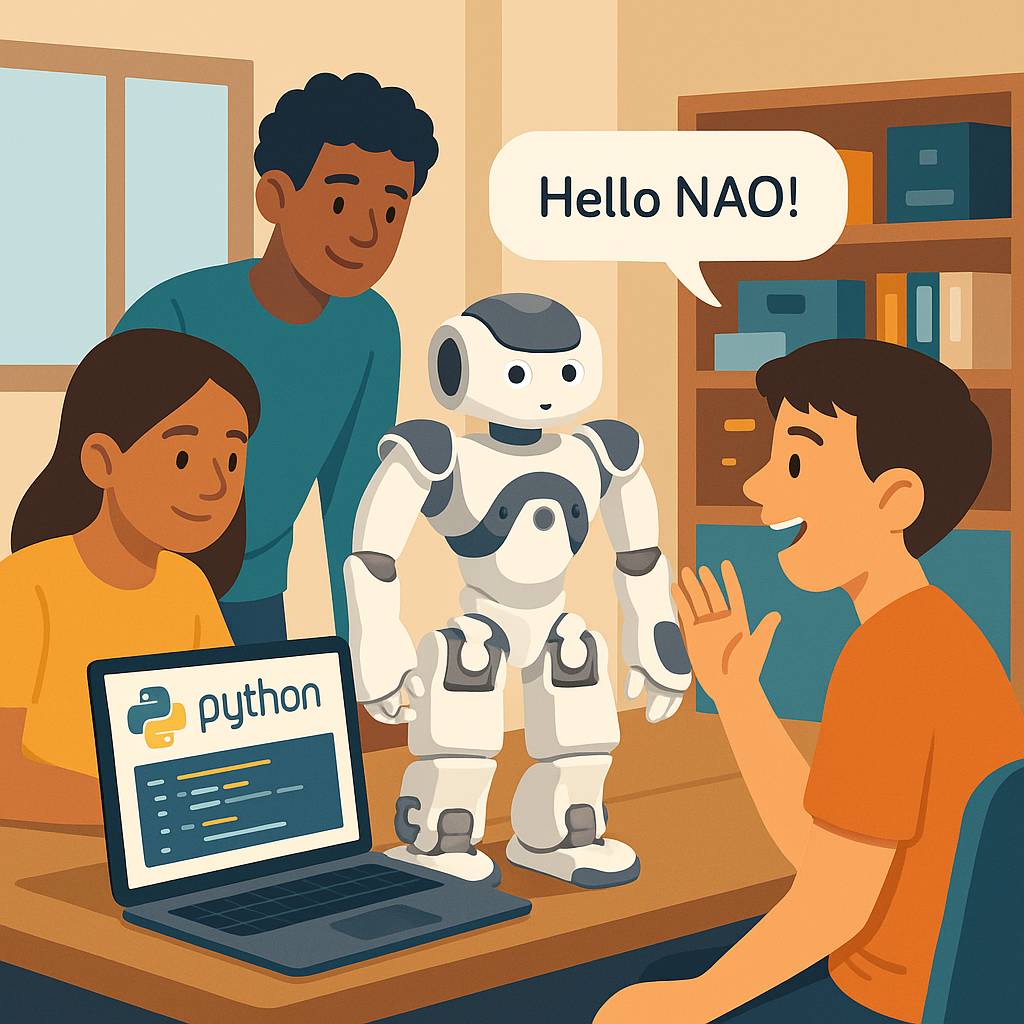
Have you ever said “Hey Siri” or “OK Google” and watched your device respond? In this lesson, you’ll see how NAO can do something similar! NAO’s microphones pick up your voice, and its software tries to match the sounds to known words.
When you say “Hello NAO,” the robot’s speech-recognition engine converts the sound into data and checks if it matches any words in its vocabulary list. If it finds a match, it knows which action to take — like speaking back or waving!
Look at NAO’s head: those tiny holes are microphones. They help the robot hear from different directions. The next time you speak to NAO, remember — it’s really listening for specific patterns of sound!
Teaching Tips:
Explain Key Terms: Vocabulary = list of words NAO can hear. Confidence = how sure NAO is about what it heard.
Visual Aid: Show a diagram of “Sound → Digital Signal → Word Match → Response.”
Discussion: Ask, “What might confuse NAO when listening?” Guide toward background noise, accents, or similar-sounding words.
Real-World Link: Voice assistants and car navigation systems work similarly — they match known words to actions.
Speech recognition is how computers and robots turn spoken words into information they can understand.
For NAO, this process happens in several steps:
- Microphones pick up your voice as sound waves.
- NAO’s software converts those waves into digital signals.
- The signals are compared to patterns for known words in NAO’s vocabulary.
- If there’s a good match, NAO stores the word and a confidence score that shows how sure it is.
The robot doesn’t truly “understand” language — it matches patterns it already knows. If the word isn’t in its vocabulary, NAO will ignore it.
Teaching Tips:
Preparation: Test the script before class to ensure microphones work and Choregraphe is connected.
Guided Coding: Walk students through each section: creating proxies, setting vocabulary, listening loop, if/elif logic.
Explain Thresholds: Adjust confidence from 0.2–0.6 and observe how it affects accuracy. Use this as a mini-experiment on probability.
Engagement: Let students test their commands one at a time. Encourage them to try different voices or distances and record confidence scores.
Safety: Keep NAO stationary during the activity to avoid motor noise affecting microphones.
Now you’ll program NAO to recognize a few words and react!
- Open Choregraphe and create a new project. Connect to your robot (IP address needed).
- Add a Python Script box to your workspace.
- Copy and study this starter code:
from naoqi import ALProxy
import time

IP = ""
PORT = 9559

asr = ALProxy("ALSpeechRecognition", IP, PORT)
tts = ALProxy("ALTextToSpeech", IP, PORT)
mem = ALProxy("ALMemory", IP, PORT)

asr.setLanguage("English")
vocabulary = ["hello nao", "wave"]
asr.setVocabulary(vocabulary, False)
asr.subscribe("Lesson6_ASR")

print("Listening...")
recognized = False

while not recognized:
    result = mem.getData("WordRecognized")
    if result and len(result) > 1:
        word = result[0]
        confidence = result[1]
        if confidence >= 0.4:
            recognized = True
    time.sleep(0.1)

if word == "hello nao" and confidence >= 0.4:
    tts.say("Hello, human!")
elif word == "wave" and confidence >= 0.4:
    tts.say("Okay, I will wave.")
    motion = ALProxy("ALMotion", IP, PORT)
    motion.setStiffnesses("RArm", 1.0)
    motion.setAngles("RShoulderPitch", -0.5, 0.2)
    time.sleep(1)
    motion.setAngles("RShoulderPitch", 1.4, 0.2)
    motion.setStiffnesses("RArm", 0.0)
else:
    tts.say("I did not understand.")

asr.unsubscribe("Lesson6_ASR")
Run the program and say “Hello NAO!” or “Wave!” Watch your robot respond!
Teaching Tips:
Scaffold Creativity: Encourage students to think about themes (e.g., “NAO as assistant” or “NAO entertainer”).
Support: Provide pre-made movement snippets for actions like bowing, dancing, or waving to simplify motor control.
Extension: Advanced students can implement a “stop listening” command to end a continuous loop gracefully.
Assessment Idea: Have groups demonstrate their custom command and briefly explain how the code works.
Now it’s your turn to extend NAO’s listening skills!
- Pick one new command — for example, “Goodbye,” “Dance,” or “Tell a joke.”
- Add that phrase to your vocabulary list and create a new
elifsection in the code for NAO’s response. - Decide what NAO should do: speak, move, or both!
- Test your program with friends. Did NAO understand your new command?
Remember: the more distinct the word, the easier it is for NAO to hear it correctly.
Teaching Tips:
Debrief: Have students share what worked best for getting NAO to hear them (clearly speaking, distance from microphone, etc.).
Misconception Check: Emphasize that speech recognition is pattern matching, not true understanding.
Connection to AI Concepts: Confidence thresholds illustrate probability and decision logic in AI systems.
Wrap-Up Message: “Today, you gave your robot ears and a voice of its own — that’s how AI becomes interactive!”
Let’s reflect on today’s lesson!
- Why does NAO need a vocabulary list before it can recognize words?
- What does a “confidence score” tell us?
- What happens if you speak a word that’s not in the vocabulary?
- How could we make NAO’s recognition more reliable?
Mini Quiz
- 1. What module handles NAO’s speech recognition? (ALSpeechRecognition)
- 2. What does ALMemory’s “WordRecognized” store? (Word + Confidence)
- 3. What’s a good way to reduce errors? (Raise confidence threshold or use clear words)
- 4. True or False: NAO can understand any sentence you say. (False)