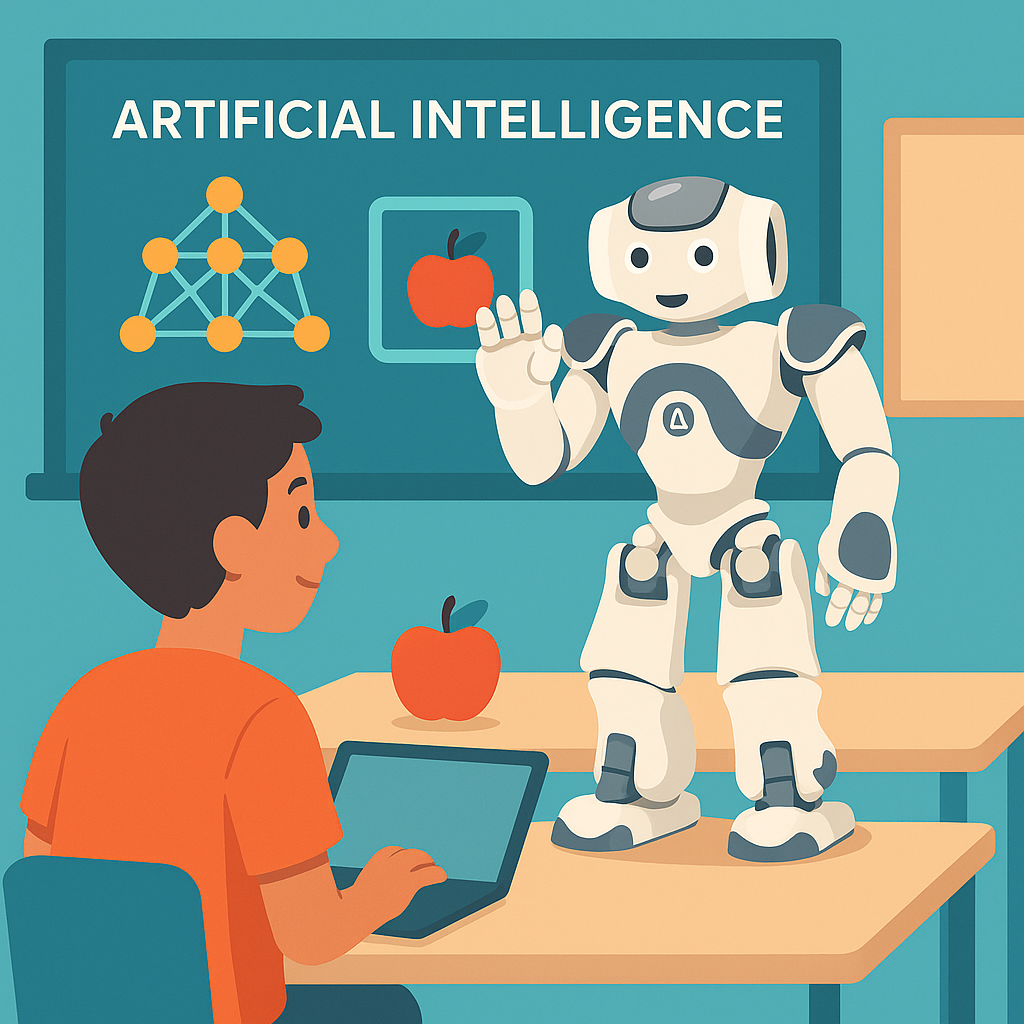
Lesson Modules
Teaching Tips:
Setup: Before class, ensure NAO is charged and the Deep NAO demo project is installed. Connect NAO to the classroom network and verify you can access its camera feed through the robot’s web interface (//
Delivery: Begin by telling students they will see NAO do something “smart.” Hold an object 30–40 cm in front of NAO’s camera and click Describe what you see on the web interface. NAO should speak aloud, e.g., “I see a bottle.” Allow students to react before repeating with another object. Resist the urge to explain how it works right away—this is meant to spark curiosity.
Discussion Prompt: Immediately after the demo, ask: “How do you think NAO knew what that was?” Collect all ideas without correction—students might suggest cameras, programming, or even “magic.” These misconceptions set up the Explore module.
Framing: Explain that this is an example of artificial intelligence. Unlike the step-by-step code they’ve written before, NAO is using a trained model to identify objects. Let them know you’ll come back to how that works soon.
Troubleshooting:
- If NAO doesn’t respond, check if the Deep NAO application is active (double-press the chest button if needed).
- If objects are not recognized, adjust distance and lighting—avoid clutter or backlighting.
- If the camera feed is blank, restart the web interface or reconnect NAO to the network.
Safety: Place NAO on a sturdy table or the floor in an open space. If elevated, ensure an adult is nearby to prevent falls. Remind students not to touch NAO during the demo.
Extension: For advanced classes, mention that NAO’s AI is based on a deep learning model trained on hundreds of object categories. Teachers can later show the GitHub repository to demonstrate how this model was built.
Watch closely as NAO tries to recognize everyday objects! Your teacher will hold up an object in front of NAO’s camera. Listen carefully to what NAO says and notice how it responds.
As you watch, think about this question: How could NAO figure out what the object is?
Teaching Tips:
Discussion: Ask students for real-world AI examples: voice assistants (Siri, Alexa), recommendation systems (Netflix, YouTube), chatbots, or self-driving cars. Write them on the board. Then contrast with simple rule-based systems (microwave timers, motion-sensor lights).
Clarifying Misconceptions: Make it clear that AI isn’t “alive” or “thinking like a human.” Instead, it follows algorithms that detect patterns in data. Reinforce that machine learning relies on training data, and the quality of that data affects performance.
Differentiation:
- For younger students: Use analogies like “recipes vs. practicing cooking.”
- For advanced students: Introduce terms like training dataset and model, showing how the robot generalizes from examples.
Troubleshooting Student Thinking: Some may argue “the robot just memorized objects.” Emphasize that it doesn’t memorize individual items but learns features (shapes, colors, edges) from many examples.
Teacher Background: NAO’s demo uses a pre-trained convolutional neural network (CNN), similar to models used in real-world AI applications. Teachers don’t need to explain the math—just the idea that computers learn patterns from large sets of examples.
Artificial intelligence (AI) is when a computer or robot does a task that usually requires human intelligence—like recognizing a picture, understanding speech, or making decisions.
There are two main ways robots can be “smart”:
- Rule-based programming: The robot follows exact instructions (e.g., “If I hear the word ‘hi,’ then say ‘Hello’”).
- Machine learning: The robot learns patterns from data instead of just following rules (e.g., NAO can recognize a bottle because it was trained with thousands of pictures of bottles).
Rule-based programming is like following a recipe. Machine learning is like learning to cook by practicing and adjusting. NAO’s object recognition is powered by machine learning—it wasn’t directly told “this is a bottle,” it learned from lots of examples.
Teaching Tips:
Purpose: Keep this activity short (10 minutes). It’s not meant as a full programming exercise, but a contrast to highlight AI’s flexibility.
Demonstration: Model a simple trigger-action flow (e.g., FrontTactilTouched → Say “Hello”) on the projector. Then have students replicate either in pairs or on the simulator if only one robot is available.
Debrief: Ask students: “How was this different from NAO recognizing objects?” Guide them to the conclusion: rule-based programming = fixed instructions, AI = learned patterns.
Troubleshooting:
- If NAO doesn’t respond, check that the box is properly connected and the robot is awake (motors engaged).
- If voice triggers don’t work, remind students that NAO needs a defined vocabulary list and clear pronunciation.
Differentiation: For advanced learners, encourage experimenting with multiple triggers (e.g., a clap vs. a head touch) and branching behaviors. For beginners, keep it as one simple trigger-action pair.
Now let’s compare NAO’s AI showcase with a simple rule-based program you already know how to create in Choregraphe.
- Add a trigger (e.g., head touch, bumper press, or a voice word like “Hello”).
- Add an action (e.g., NAO waves, stands up, or says a phrase).
- Connect them: trigger → action.
- Test it. Does NAO always respond exactly the same way?
This activity shows the difference: with rule-based programming, NAO does exactly what you told it to do—no more, no less. With AI, NAO can recognize many different objects it was never directly programmed for.
Teaching Tips:
Expected answers:
- AI means machines can learn from data or examples (not just follow rules).
- Rule-based programming = explicit instructions. AI = learns from many examples.
- Examples include Siri, Alexa, Netflix, self-driving cars, chatbots, etc.
Assessment: Use these reflection questions as formative checks. Look for students distinguishing between rule-based and AI approaches. Award participation for sharing personal examples of AI.
Extensions: Challenge curious students to research one additional example of AI in the real world and share it next class. They might bring in an app, a news story, or a personal experience.
Wrap-up: Emphasize that NAO is powerful because it combines both: programmed routines and AI capabilities. End on an inspiring note: “Think about where AI could make life easier, safer, or more exciting in the future.”
Let’s wrap up with a reflection. Answer the following:
- What is one new thing you learned about AI today?
- How is programming with rules different from AI that learns from data?
- Where have you seen AI in your daily life?
We’ll discuss your answers together.