Lesson Modules
Teaching Tips:
Setup: Create a celebratory atmosphere — play music, set up a “presentation area” for each group, and ensure NAOs are charged and connected to Wi-Fi or Ethernet.
Support: Remind students that this is a showcase, not an exam. The goal is to share what they’ve learned and inspire one another.
Safety Reminder: Make sure all NAOs are placed on stable surfaces and movement behaviors are monitored closely.
Encourage Confidence: Reassure students that small bugs or errors are normal — professional engineers deal with them too!
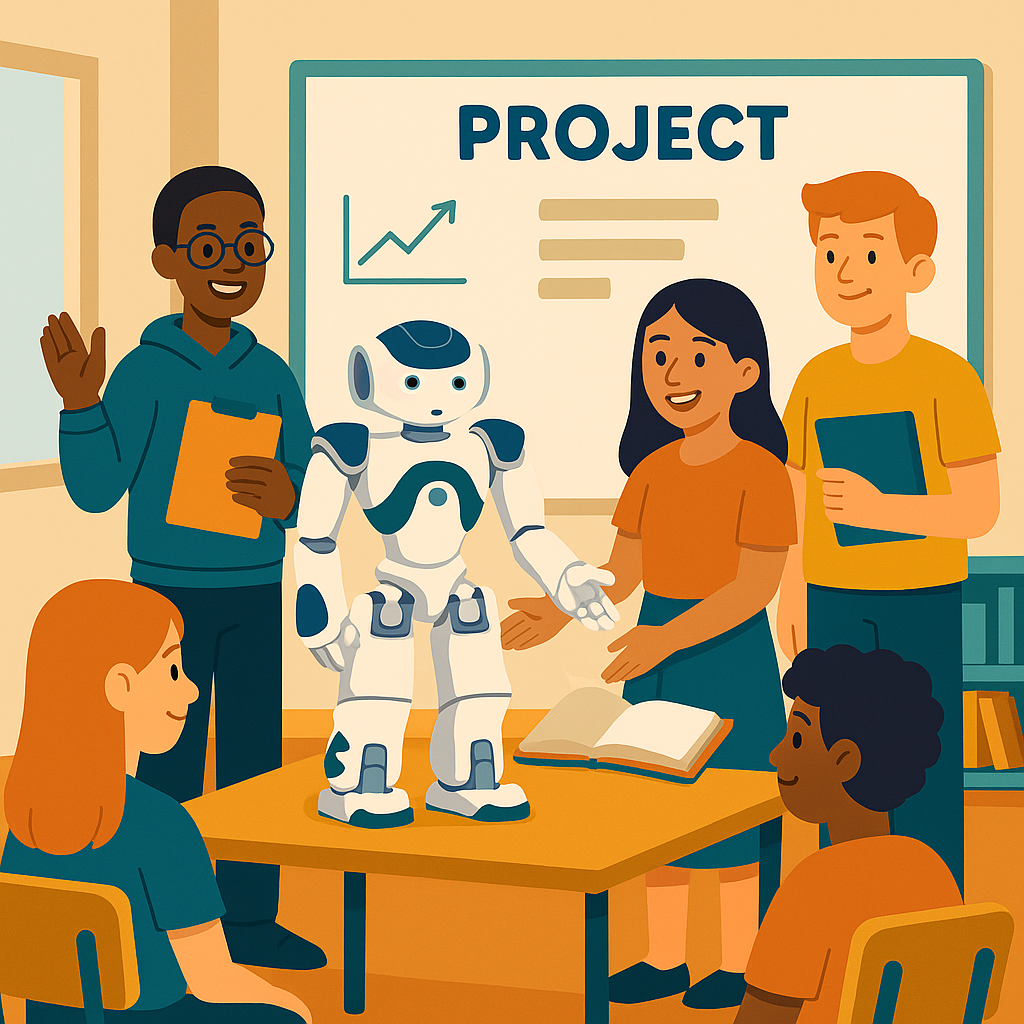
Congratulations — you’ve reached the final lesson of your NAO AI journey! Today is all about showcasing what you’ve built and reflecting on what you’ve learned.
Take a moment to look back. Over the past lessons, you’ve taught NAO to see, hear, think, and even make decisions. You explored AI’s possibilities and its ethics. Now it’s time to bring it all together.
Before we begin presenting, take five minutes with your team to make sure your project is ready:
- Is NAO fully charged and connected?
- Are all your scripts or Choregraphe behaviors tested?
- Do you know who will speak during your presentation?
- Do you have a backup plan if something goes wrong?
When you’re ready, take a deep breath — this is your moment to show what you’ve achieved!
Teaching Tips:
Prompt Deep Thinking: Use this reflection time to connect the course’s big ideas — perception, reasoning, ethics, and communication — to students’ experiences.
Model Reflection: Share your own example: “At first, I thought coding NAO would be just logic, but I saw how creativity and empathy matter in robotics design.”
Integration: Encourage students to include one reflection in their final presentations to humanize their projects.
Before presentations begin, let’s think about what we’ve learned across all ten lessons.
AI and robotics aren’t just about coding — they’re about creativity, problem solving, and teamwork. Take a few minutes to reflect on these questions:
- What was your favorite activity or concept from the course?
- What was the hardest problem your team solved?
- How has your view of AI changed since Lesson 1?
- What skill are you most proud of learning?
Share your thoughts with your partner or team. You’ll use these reflections in your presentation introduction.
Teaching Tips:
Structure: Give each group 7–10 minutes: 3 for setup, 4–5 for presentation and demo, 2 for questions.
Encourage Storytelling: Have students describe their process — not just the result. Ask: “What was the biggest surprise?” or “What would you do differently next time?”
Technical Support: Keep a USB cable and Ethernet ready for reconnecting robots. Have an alternate computer in case one crashes.
Assessment: Use a rubric with categories such as:
- Creativity and originality
- Functionality and coding quality
- Team collaboration and presentation clarity
- Understanding of AI concepts
Now it’s time to share your hard work! Each team will present their AI-powered NAO project to the class. Presentations should include:
- Project name and goal.
- Explanation of which AI features were used (e.g., vision, speech, object detection).
- A live demonstration of your robot performing its task.
- Challenges faced and how your team solved them.
- What you learned about AI and teamwork.
Use visuals if possible — show your Choregraphe flowchart, Python script, or pictures from development. When presenting, speak clearly, take turns, and engage the audience!
Teaching Tips:
Feedback Format: Provide a digital or printed form with three short prompts (What worked? What to improve? What inspired you?).
Encourage Positivity: Model constructive comments like “I loved how your NAO used both voice and motion! Maybe next time it could respond faster.”
Optional Extension: Allow teams to spend 10–15 minutes revising their code or presentation after peer feedback and rerun a “Best in Show” showcase.
As each group presents, take notes on what you like and what you might borrow for your own future projects. After all presentations, you’ll fill out a short peer feedback form.
Be positive and constructive! Try to mention:
- One thing the group did well
- One question or suggestion for improvement
- One idea you’d like to try based on their project
Sharing feedback helps everyone grow as programmers and creators.
Teaching Tips:
Debrief: Facilitate a full-class reflection circle. Let each team share one highlight and one lesson learned.
Assessment: Grade presentations using the rubric and combine with peer evaluations. Give recognition for creativity, perseverance, and collaboration.
Closure: End the course with a celebration — hand out completion certificates or take a group photo with all NAOs.
Extension: Encourage interested students to continue with advanced projects like multi-robot coordination or cloud-based AI using Pepper or other platforms.
You’ve completed the NAO AI curriculum! Before we wrap up, take time to think about how much you’ve learned — not just about robots, but about how technology connects to people and ideas.
Discuss these questions as a class or in small groups:
- How has your understanding of AI changed since Lesson 1?
- What moment from this course are you most proud of?
- What’s something you’d like to explore next with robotics or AI?
- Why do you think ethics and teamwork matter in building AI?
Mini Quiz
- 1. What is the most important step before starting an AI project? (Planning and goal-setting)
- 2. What is a “feature” in AI robotics? (A specific skill like vision or speech)
- 3. True or False: AI robots can work perfectly without human guidance. (False)
- 4. What is one way you can make AI more ethical? (Use diverse data, test for fairness, ask for consent, etc.)
Congratulations — you are now AI innovators! Your projects are proof that curiosity and teamwork can bring robots to life.